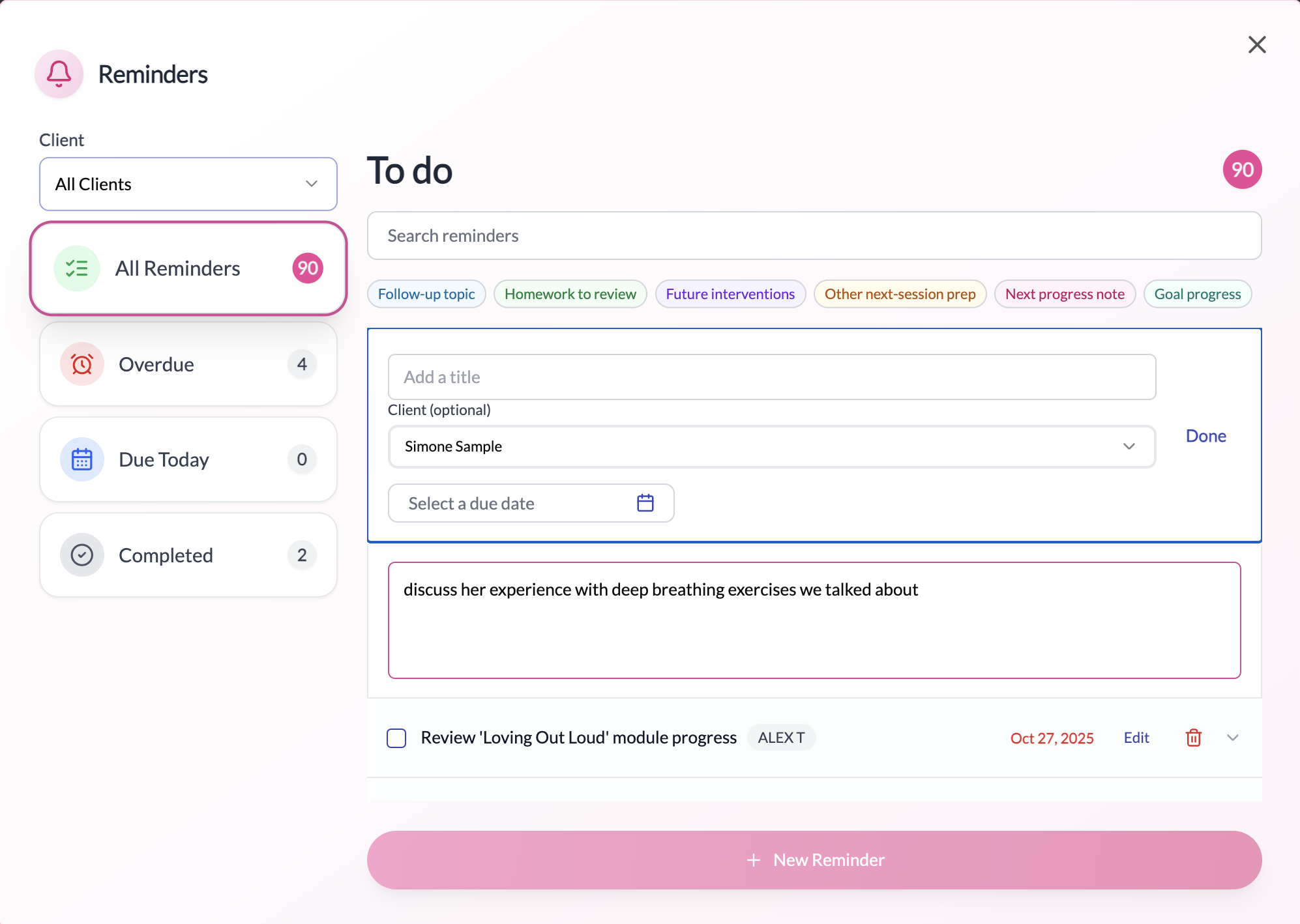
How it helps
Pin from anywhere
See the bell icon? Click it to capture a reminder in context—PepperChat links it to the right client automatically when applicable.
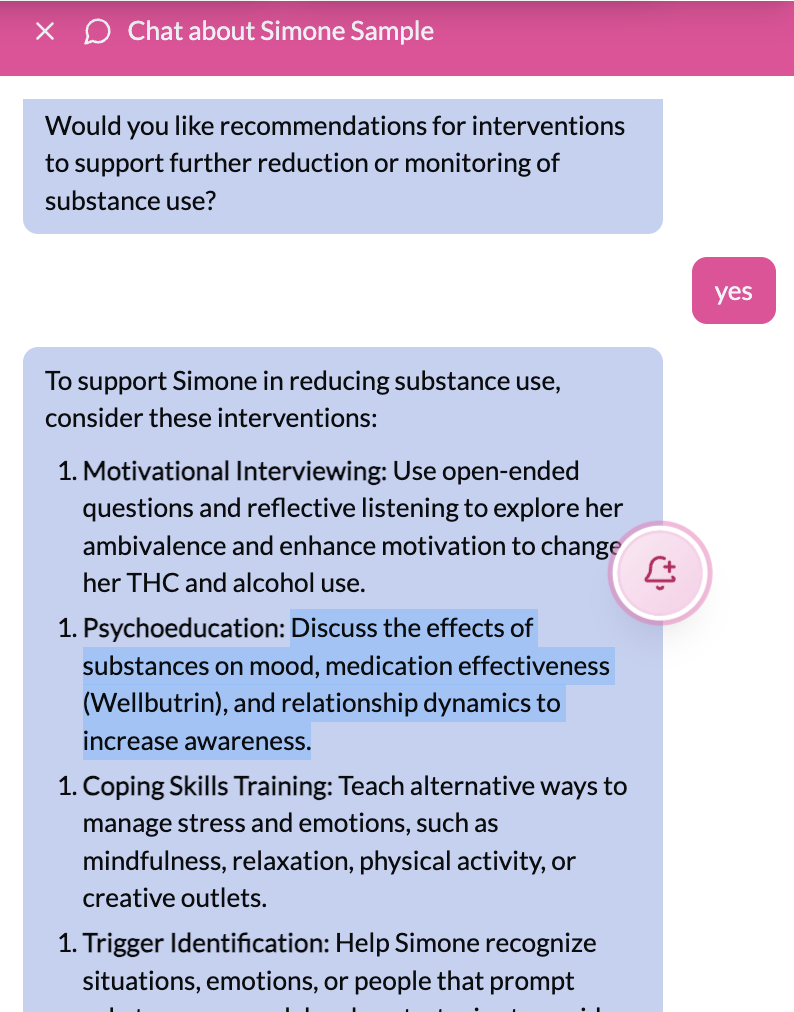
Smart reminder creation
When you pin, PepperChat detects what you’re pinning and where it belongs. Homework and follow‑up topics are identified automatically, the correct client is linked, and the reminder is set to surface in the most relevant place—like Homework or Follow‑ups on the client dashboard. You can review and adjust before saving.
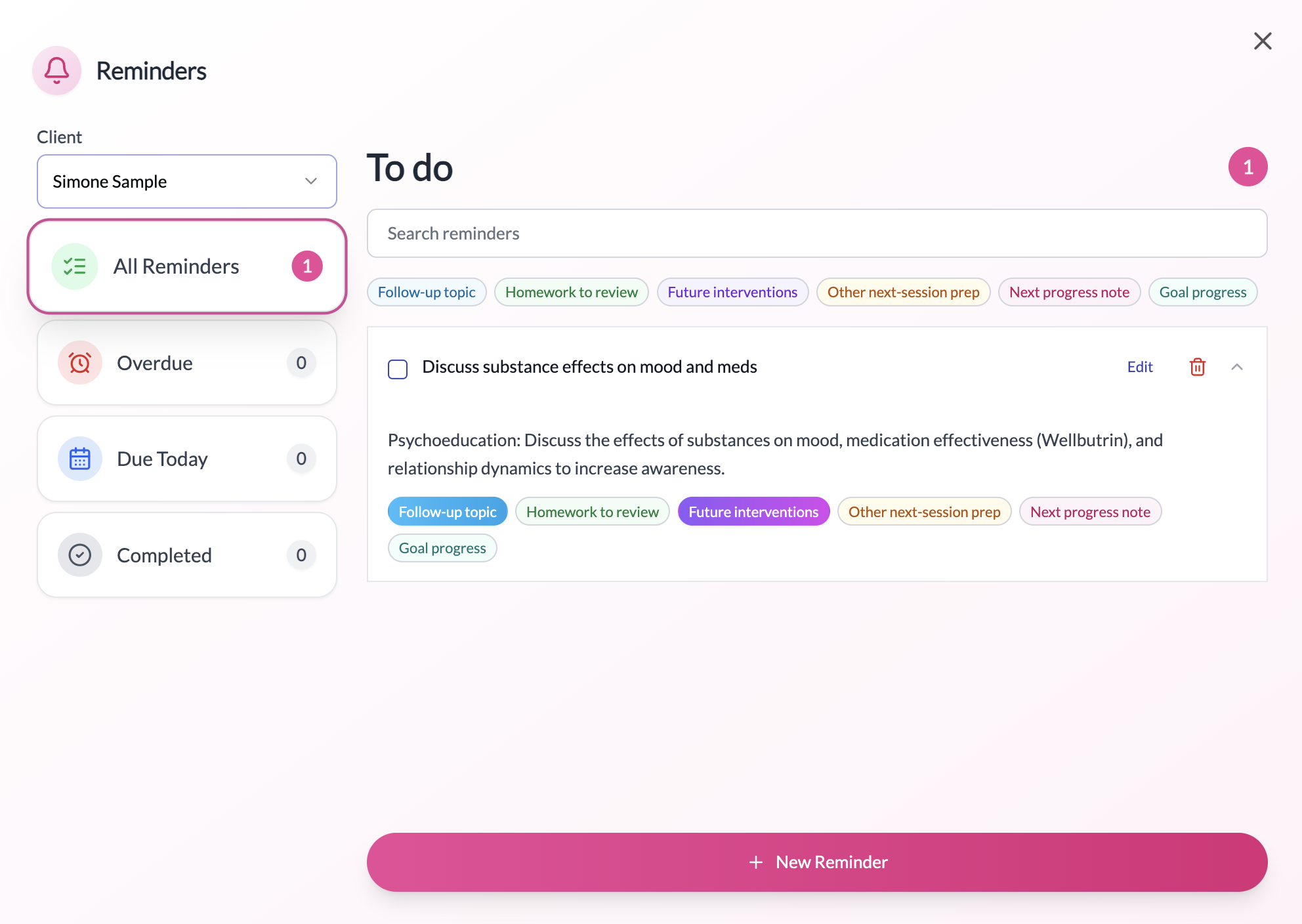
Smart surfacing where it matters
Homework pins appear next to Homework on the client dashboard. Follow‑up topics show up where you prep for the next session. Stay organized without extra steps.
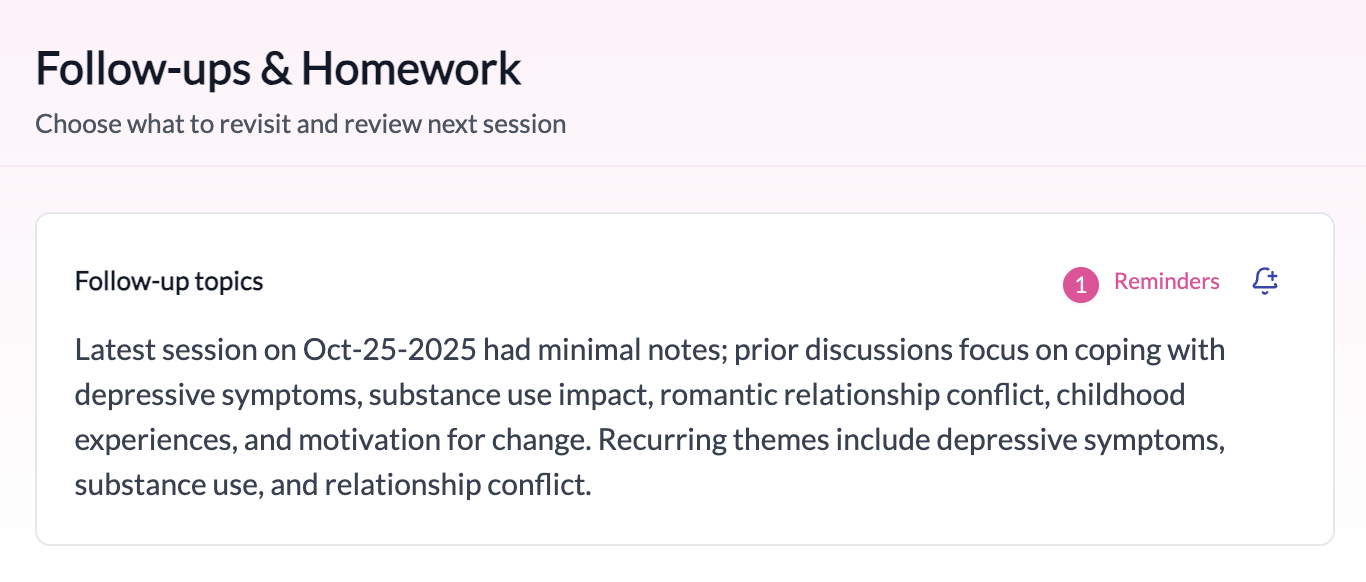
Reminders basics
Assign to yourself or a client, set optional due dates and times (sorted by urgency), and update anytime—mark complete, edit, or delete with one tap.